.svg)

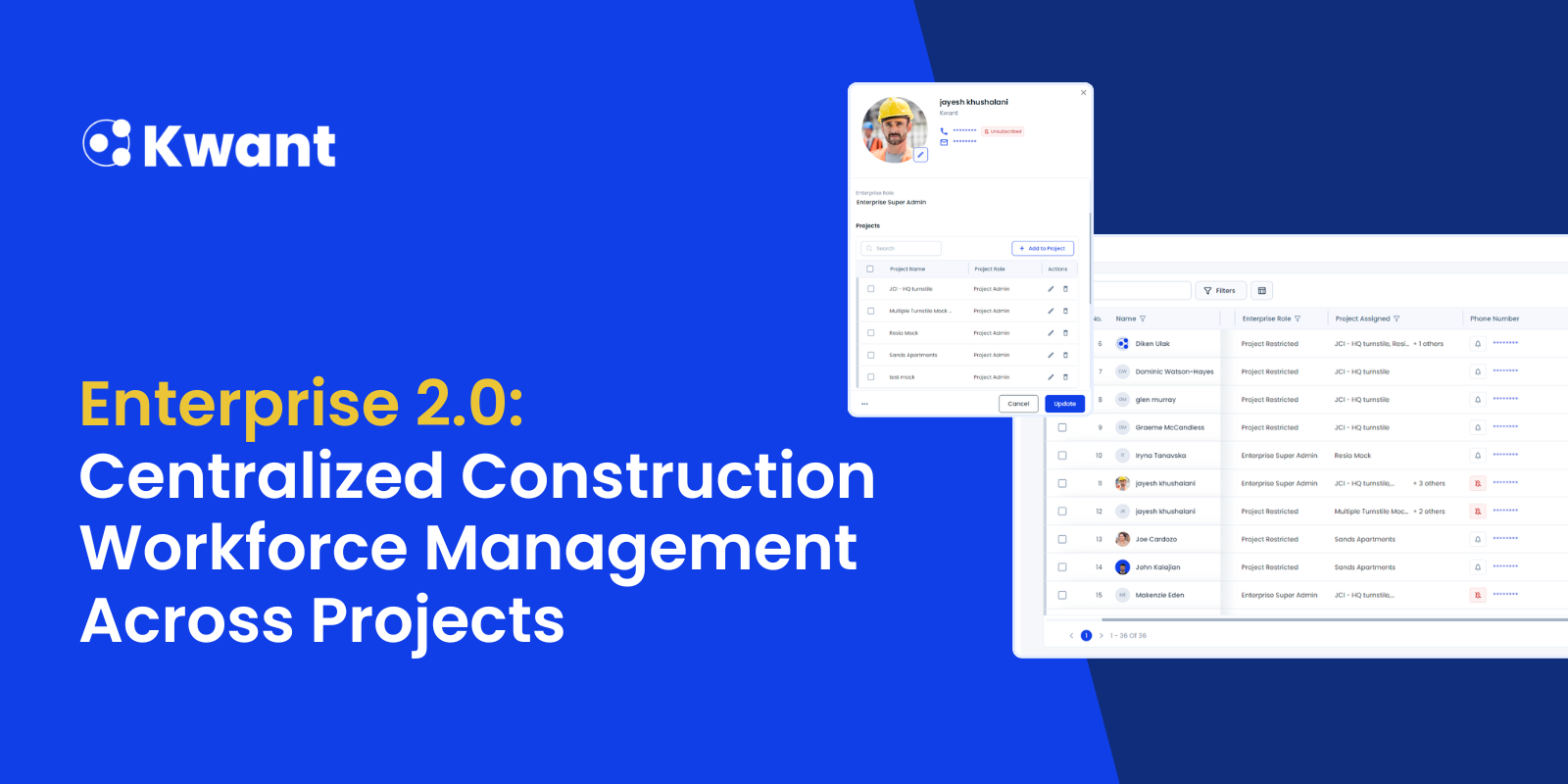


Large construction programs, especially data centers and multi-site developments, often require managing thousands of workers across multiple projects. This creates challenges with access control, compliance tracking, badge assignments, and workforce visibility.
Enterprise 2.0 introduces enhanced enterprise-level capabilities designed to simplify construction workforce enterprise management and improve coordination across projects from a single interface.
Enterprise Module Overview
Enterprise features are now accessible directly from the main navigation pane, making it easier to move between enterprise-level and project-level workflows.
The module includes two primary sections:
- Dashboard
- Workforce
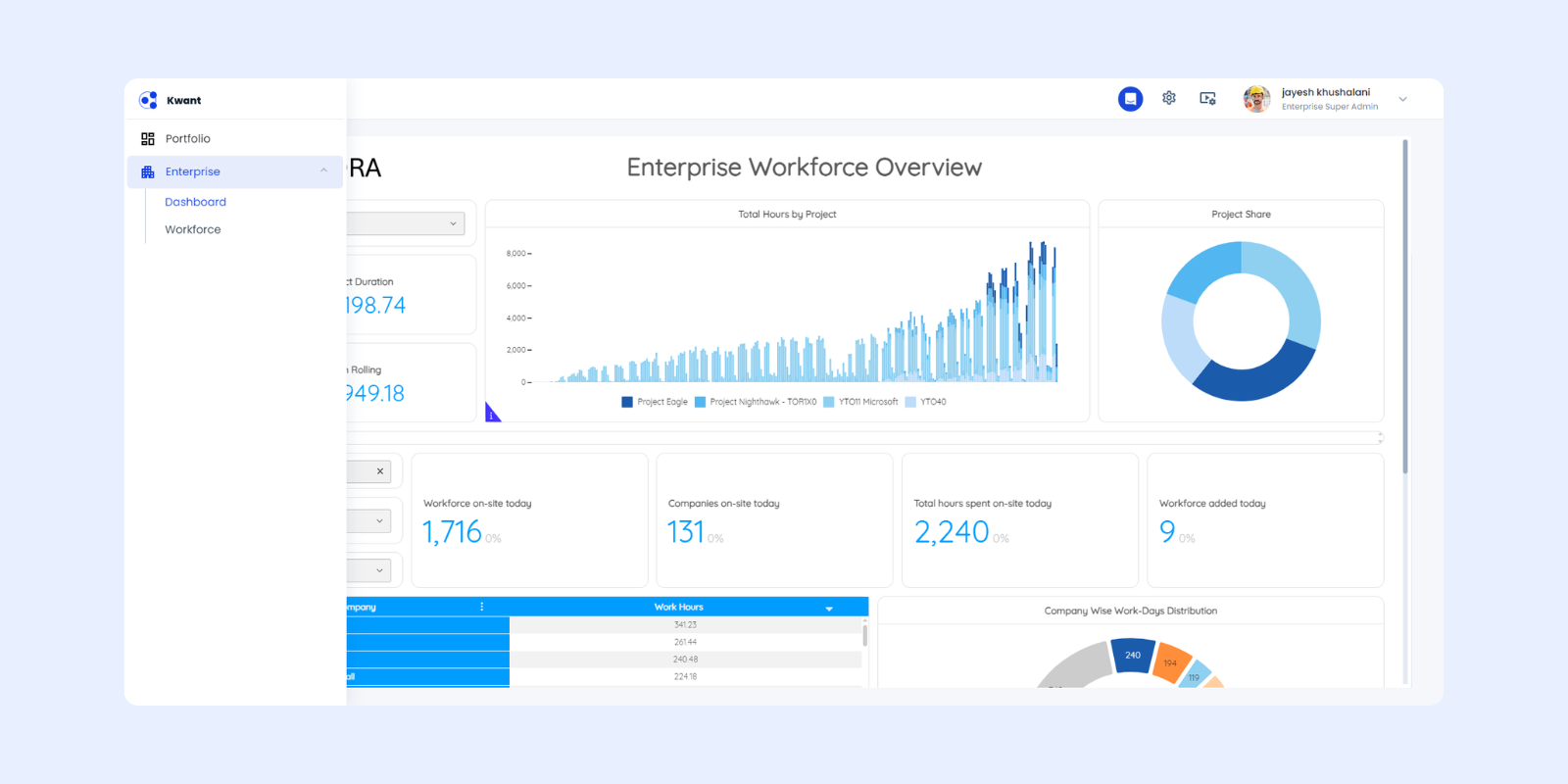
Enterprise Teams can also be accessed via the Settings icon, consistent with the Project Teams experience. This familiar structure helps teams quickly adopt enterprise-level workflows while supporting multi-site construction workforce management.
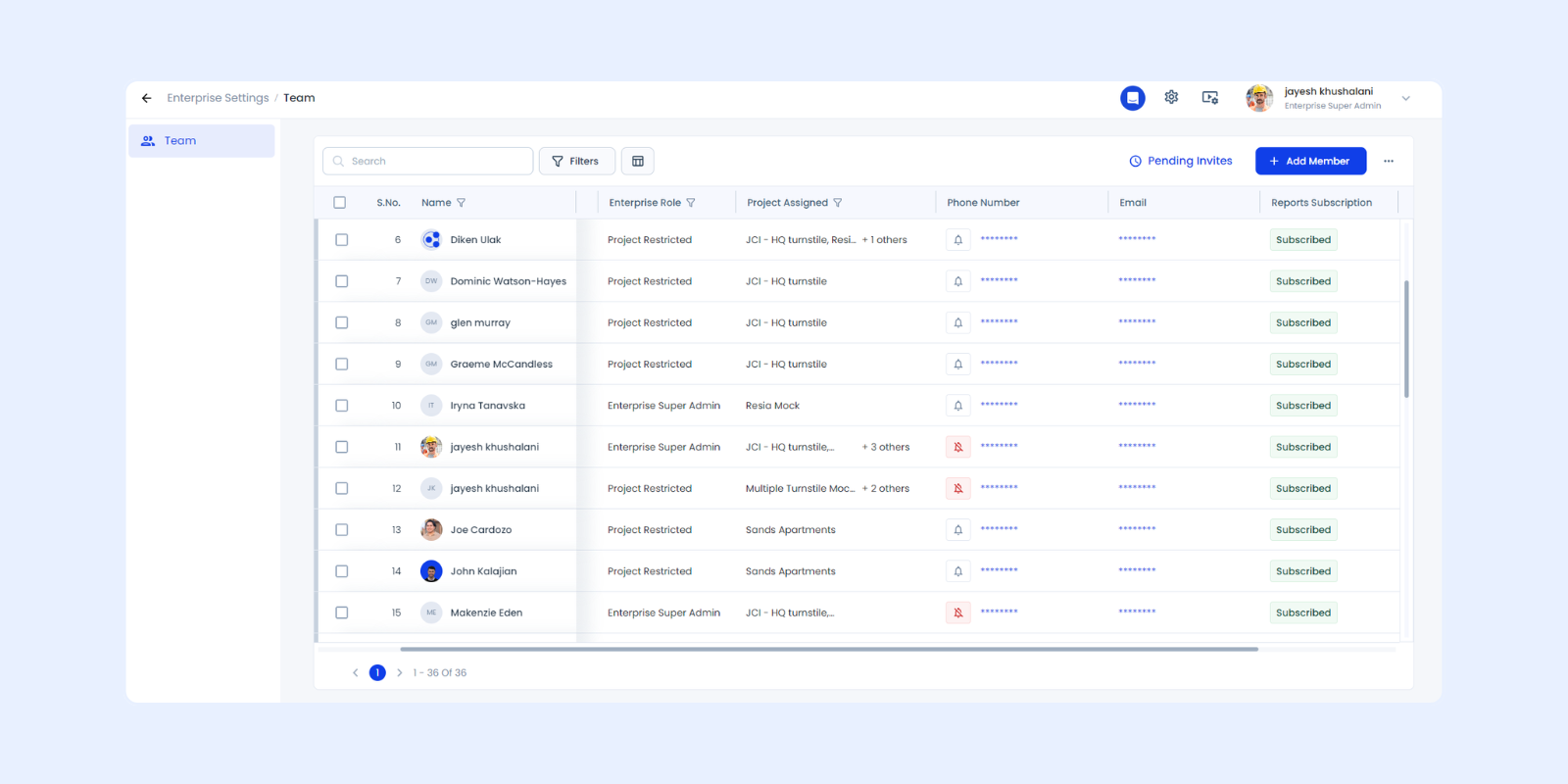
Enterprise Dashboard: Flexible Reporting Across Projects
The Enterprise Dashboard introduces a fully customizable experience. Unlike project dashboards, there is no predefined template. Organizations can configure widgets based on their operational needs.
This flexibility enables teams to create an enterprise construction workforce dashboard tailored to track:
- Workforce totals across projects
- Active and inactive workers
- Compliance status visibility
- Cross-project workforce distribution
- Access control metrics
By consolidating reporting, organizations gain clearer insights into workforce performance across large programs.
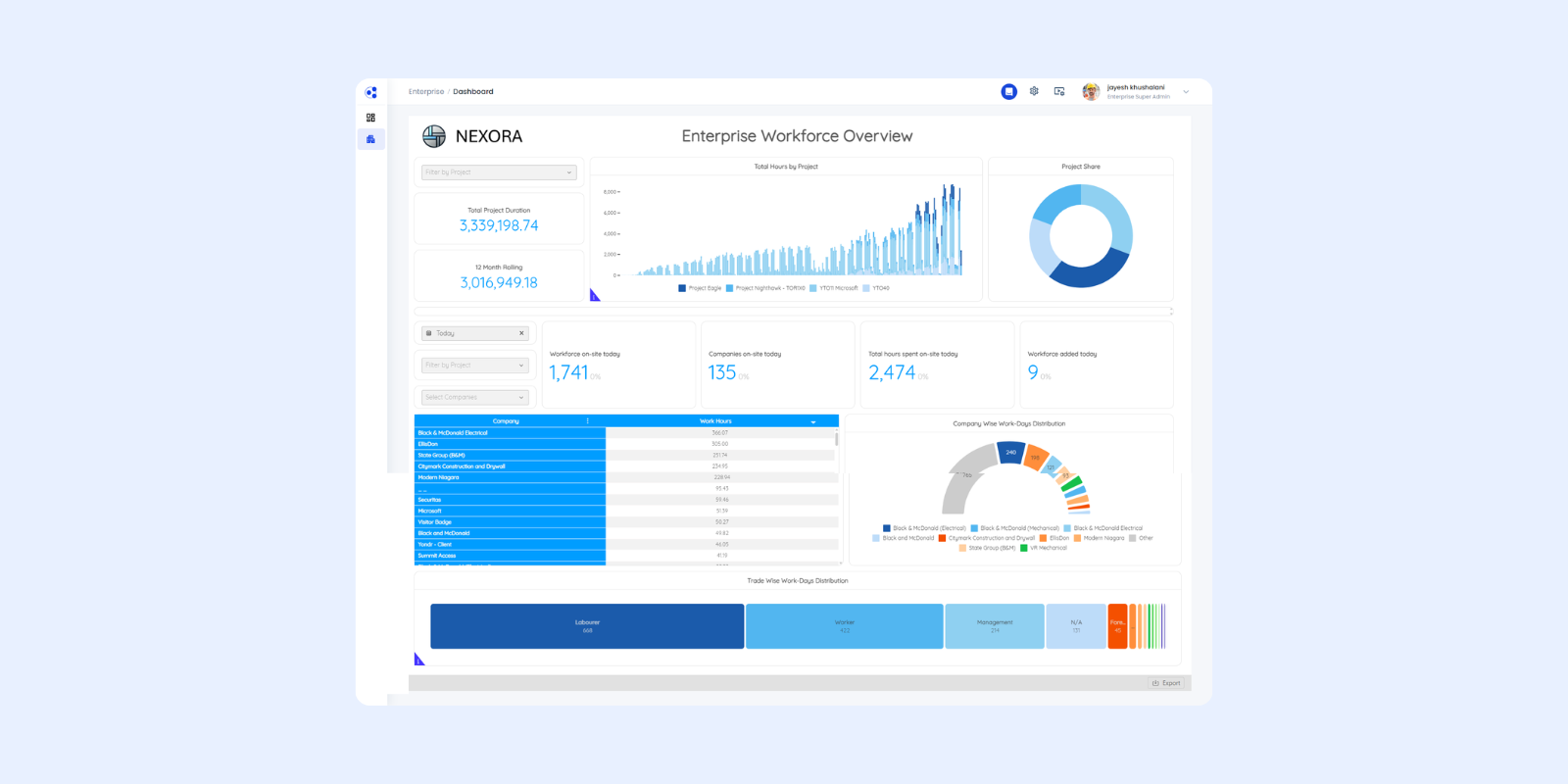
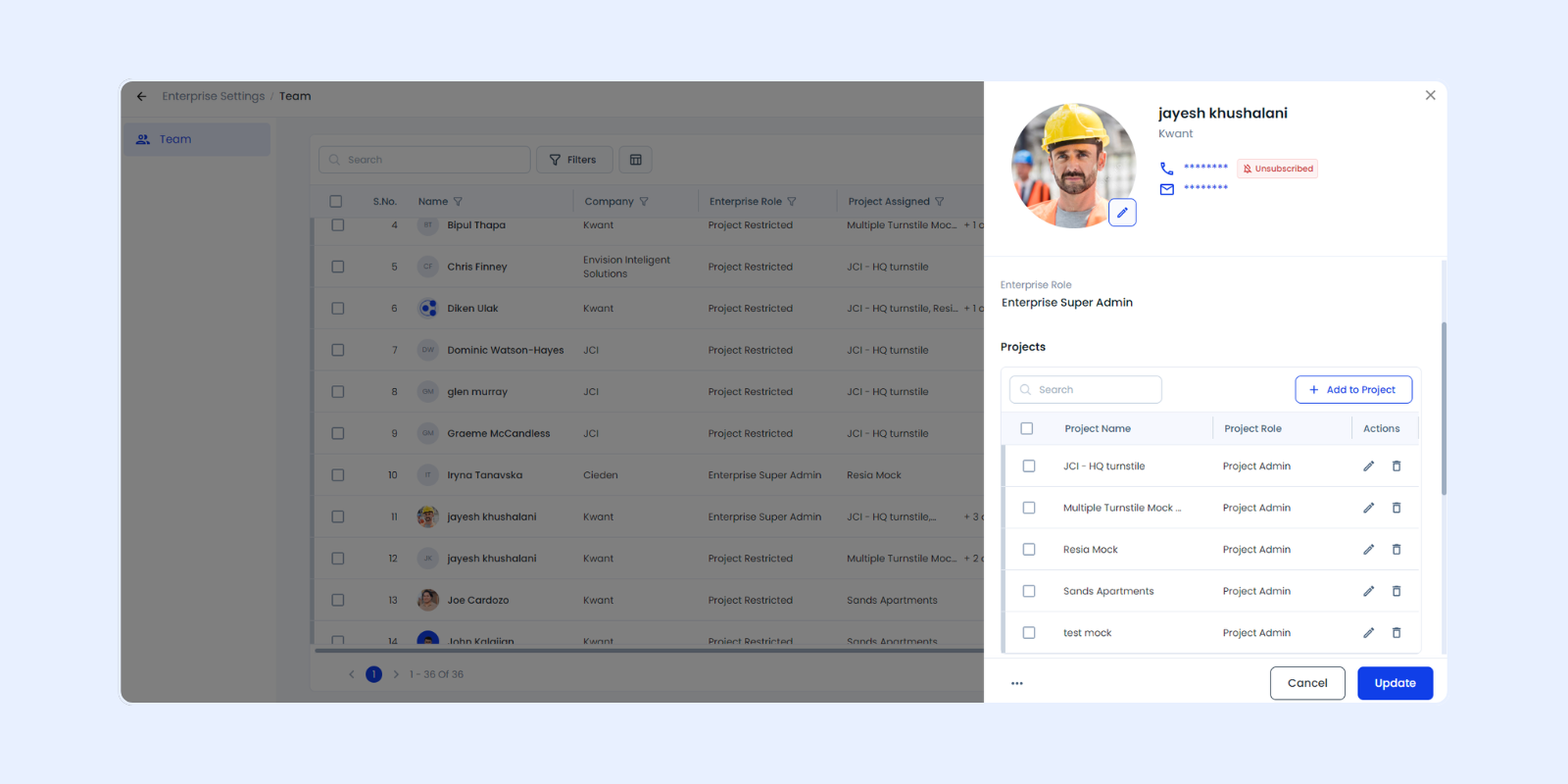
Enterprise Teams: Centralized Access Management
Enterprise Teams provide centralized user access control across projects. Enterprise Admins and Super Admins can manage permissions from one page, eliminating the need to configure access separately for each project.
Key improvements include:
- Centralized permission management
- Project-level access control from one location
- Role-based restrictions for non-admin users
- Consistent layout aligned with Project Teams
This structure improves workforce access control construction sites, ensuring user permissions remain consistent across all active projects.
Enterprise Workforce: A Central Worker Repository
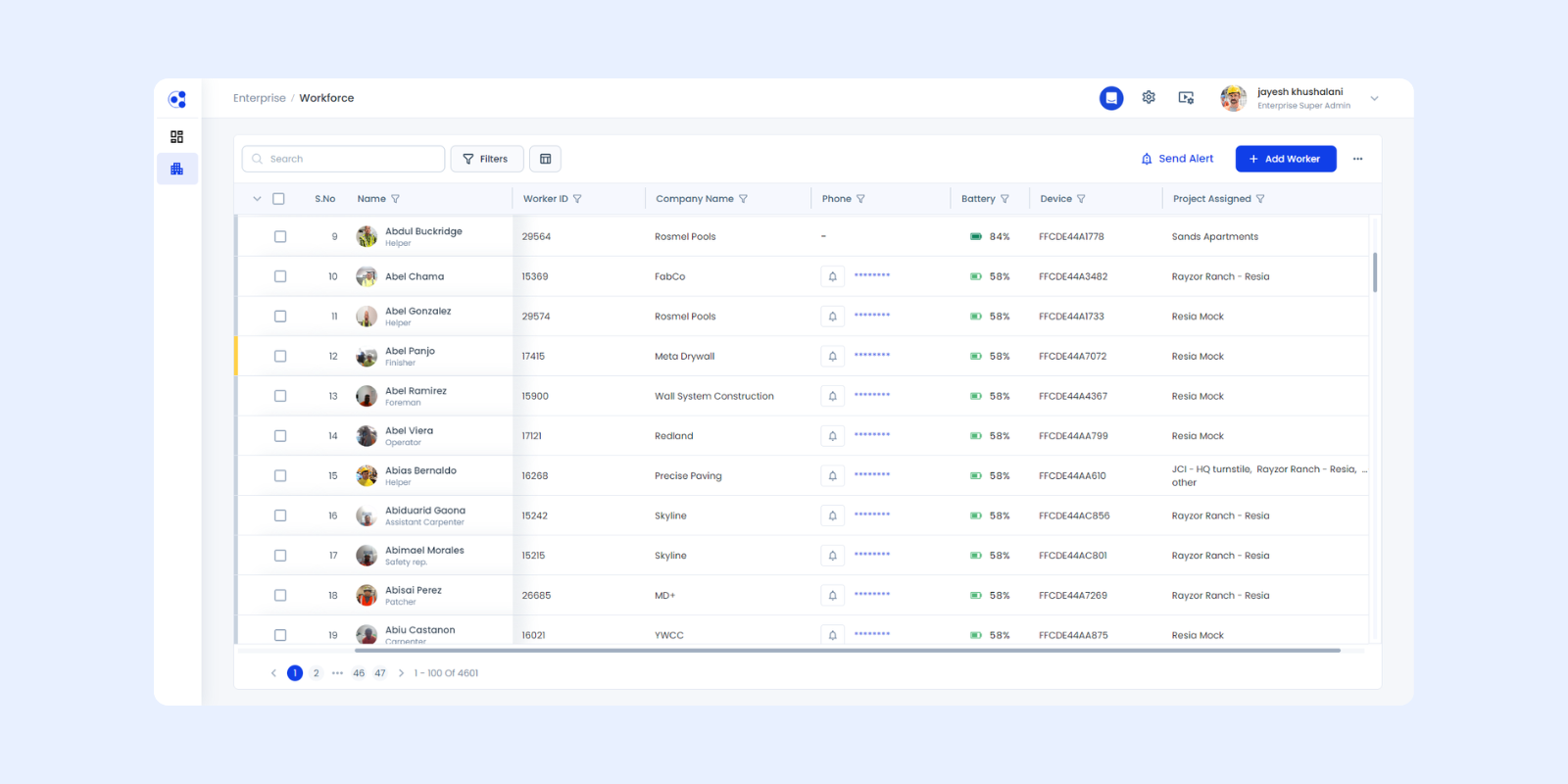
The Enterprise Workforce acts as a master directory for all workers within the organization. This supports enterprise workforce management construction projects by reducing duplicate records and improving workforce mobility.
Workers become part of the enterprise when:
- Added directly at the enterprise level
- Added to a project and manually synced
- Auto-sync is enabled on the project
Once included, workers can be deployed across multiple projects without recreating profiles, enabling efficient construction workforce sync across projects.
Worker Sync Behavior
When an enterprise worker is synced to a project, the following information is shared:
- Personal details
- Job details
- Access control data
- Applicable document data
This standardized sync process improves data consistency and supports multi-site construction workforce management at scale.
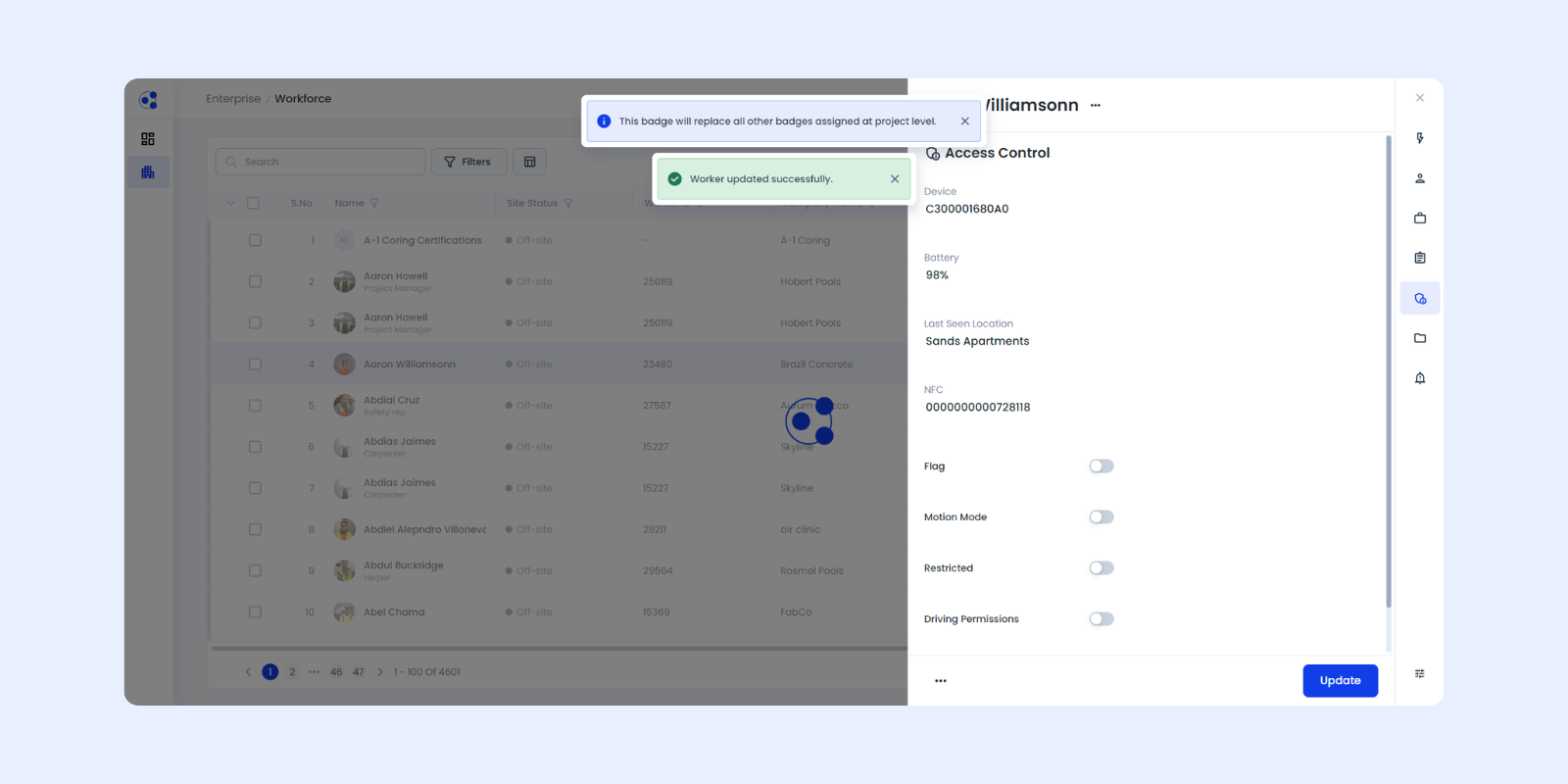
Badge Assignment Rules
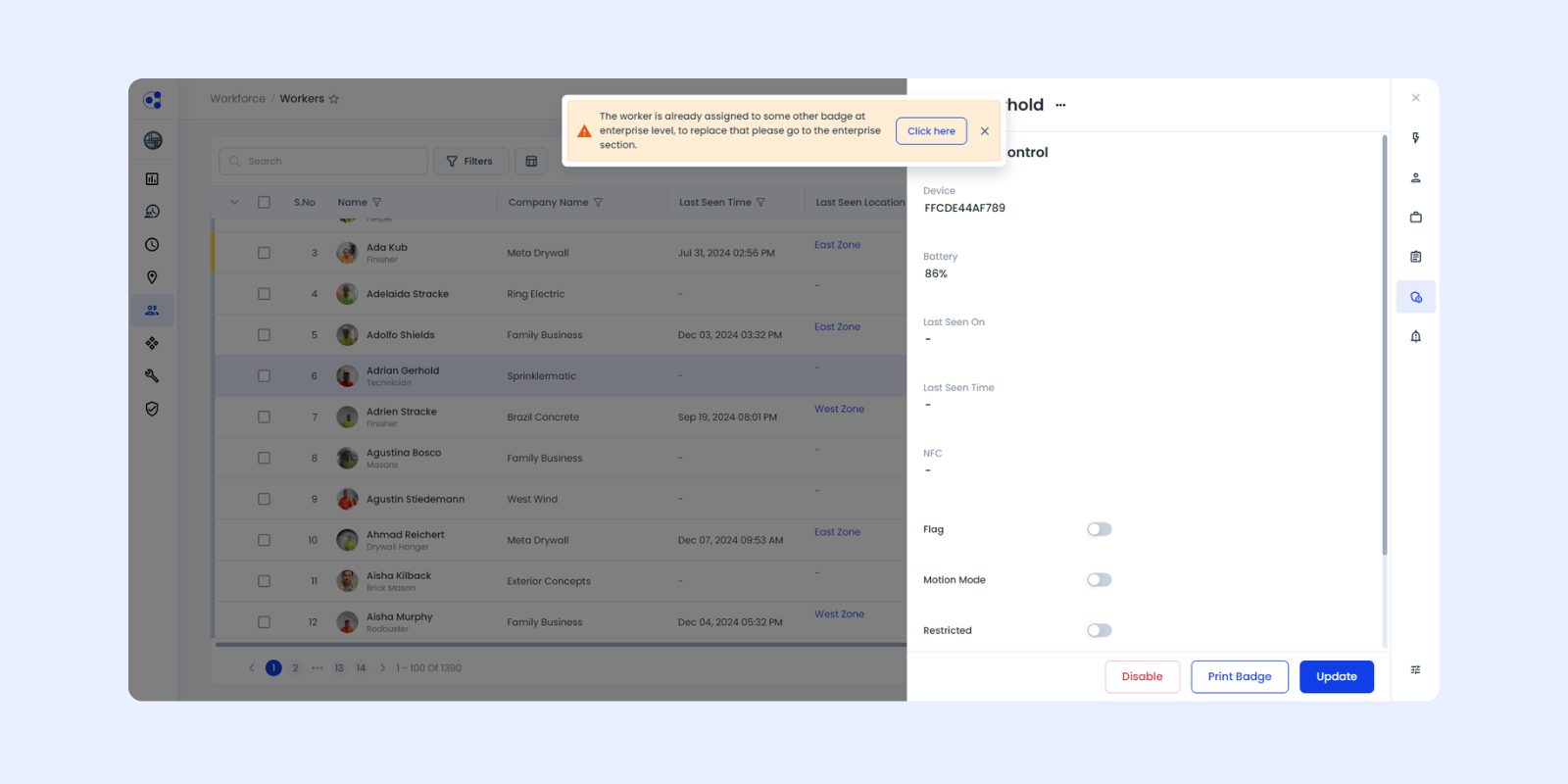
This update introduces stricter badge governance to prevent conflicts across projects.
Key rules:
- One worker is assigned one unique badge
- Badge replacement occurs only at the enterprise level
- Assigning a new badge automatically updates all projects
- Project-level users cannot override badge assignments
These controls strengthen the construction badge management system and eliminate duplicate badge issues across projects.
Centralized Worker Management
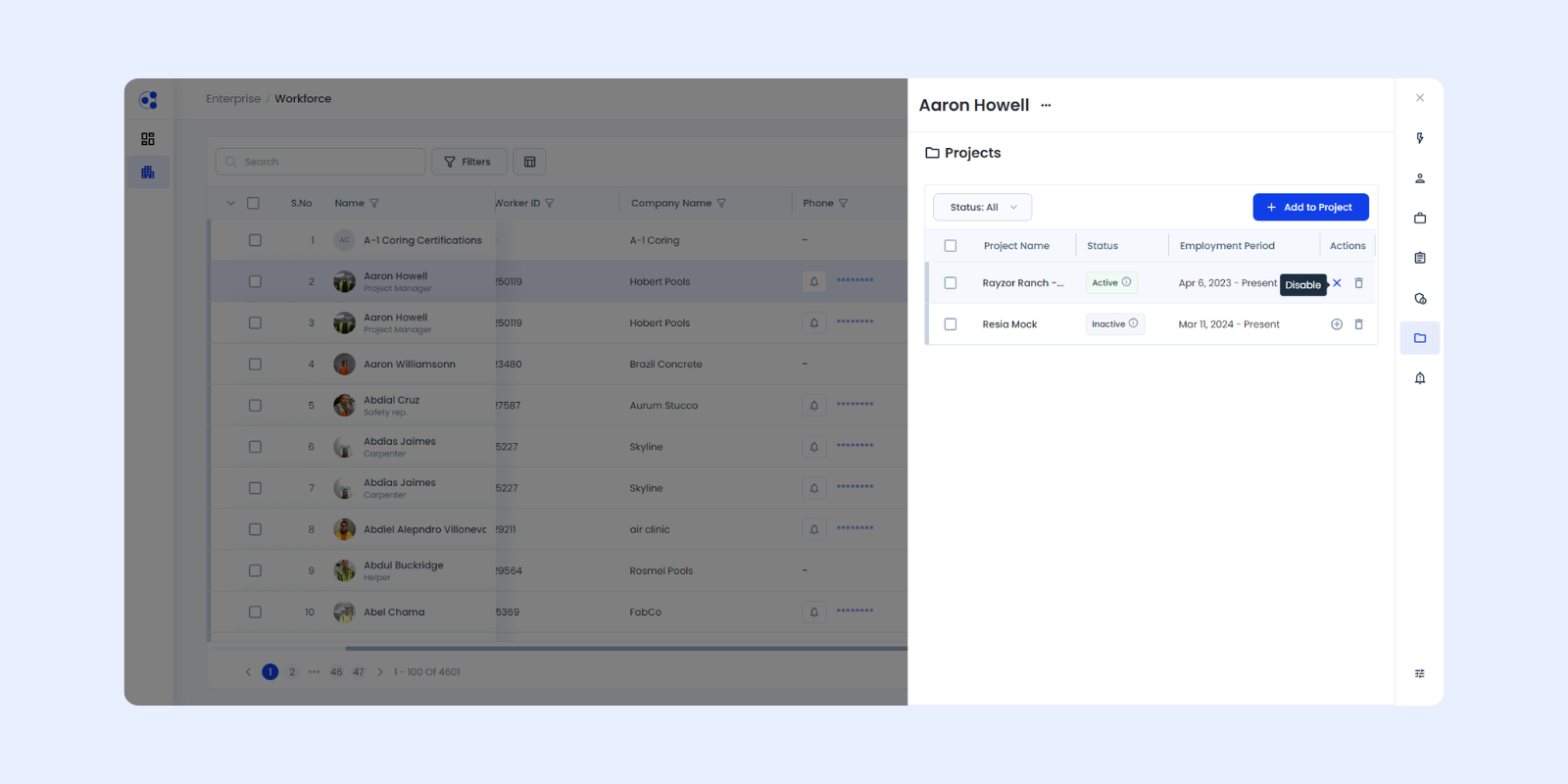
Enterprise administrators now have expanded control over workforce lifecycle management, including:
- Adding workers
- Enabling or disabling workers
- Deleting workers
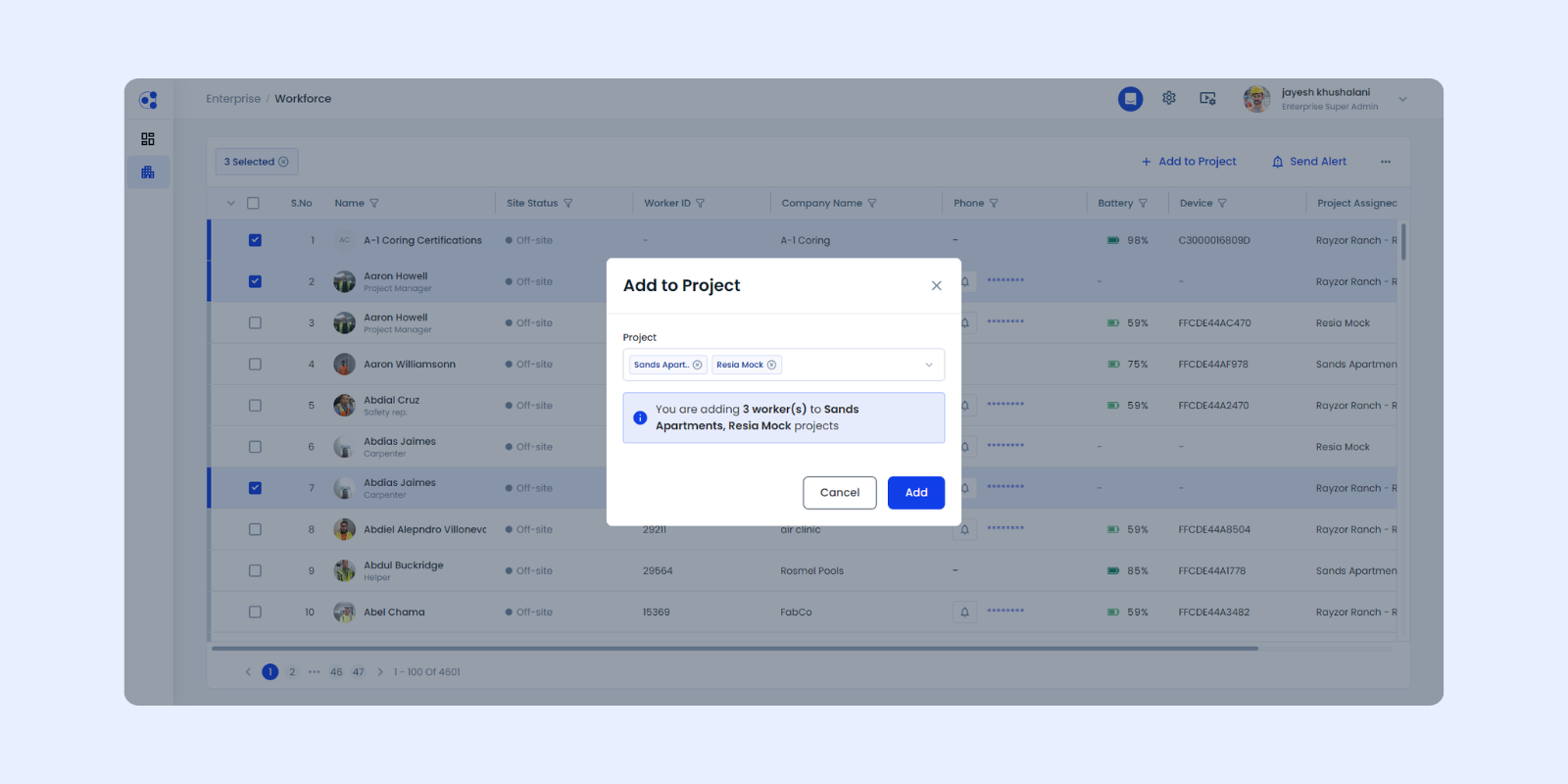
- Bulk assigning workers to projects
This centralized functionality improves construction workforce enterprise management, especially for organizations managing multiple simultaneous builds.
Worker Documents and Compliance Management
The update introduces structured document synchronization for certifications such as OSHA and SST, improving construction worker compliance management.
Case A – Worker Added at Enterprise
- Documents uploaded at enterprise level
- Documents sync to projects when worker is assigned
This ensures consistent OSHA document management enterprise workflows across projects.
Case B – Worker Added at Project and Synced to Enterprise
- Documents from the originating project sync to enterprise
- These documents do not automatically sync to new projects
This behavior prevents incorrect compliance data from being applied across projects with different requirements.
Document Sharing Considerations
Documents are not automatically shared across all projects due to:
- Project-specific training requirements
- Local compliance variations
- Risk of irrelevant certifications being applied
This approach prioritizes compliance accuracy while maintaining administrative simplicity. A scalable document inheritance model may be explored in future enhancements.
What Enterprise 2.0 Enables
These improvements help address common challenges in enterprise workforce management construction projects, including:
- Duplicate worker records across projects
- Inconsistent badge assignments
- Fragmented compliance tracking
- Manual user access configuration
- Limited enterprise-level visibility
By centralizing workforce data, organizations gain better oversight across large-scale construction programs such as data centers and campus-style developments.
Enterprise 2.0 strengthens how Kwant supports enterprise-wide workforce coordination while maintaining flexibility for project-specific requirements.
Explore how these new enterprise capabilities can help standardize workforce management across your construction portfolio and improve visibility across multiple projects.


%20(1).svg)


