.svg)



Every construction project depends on getting workers onsite quickly, but getting them ready to work is often anything but simple.
Project teams spend countless hours chasing documents, reviewing certifications, assigning training, collecting signatures, and manually verifying onboarding requirements across multiple contractors. Workers, meanwhile, are often asked to complete lengthy onboarding processes on devices that weren't designed for the field.
The result? Delays, incomplete onboarding packages, compliance risks, and unnecessary administrative work before a worker ever steps onto the jobsite.
Today, we're changing that.
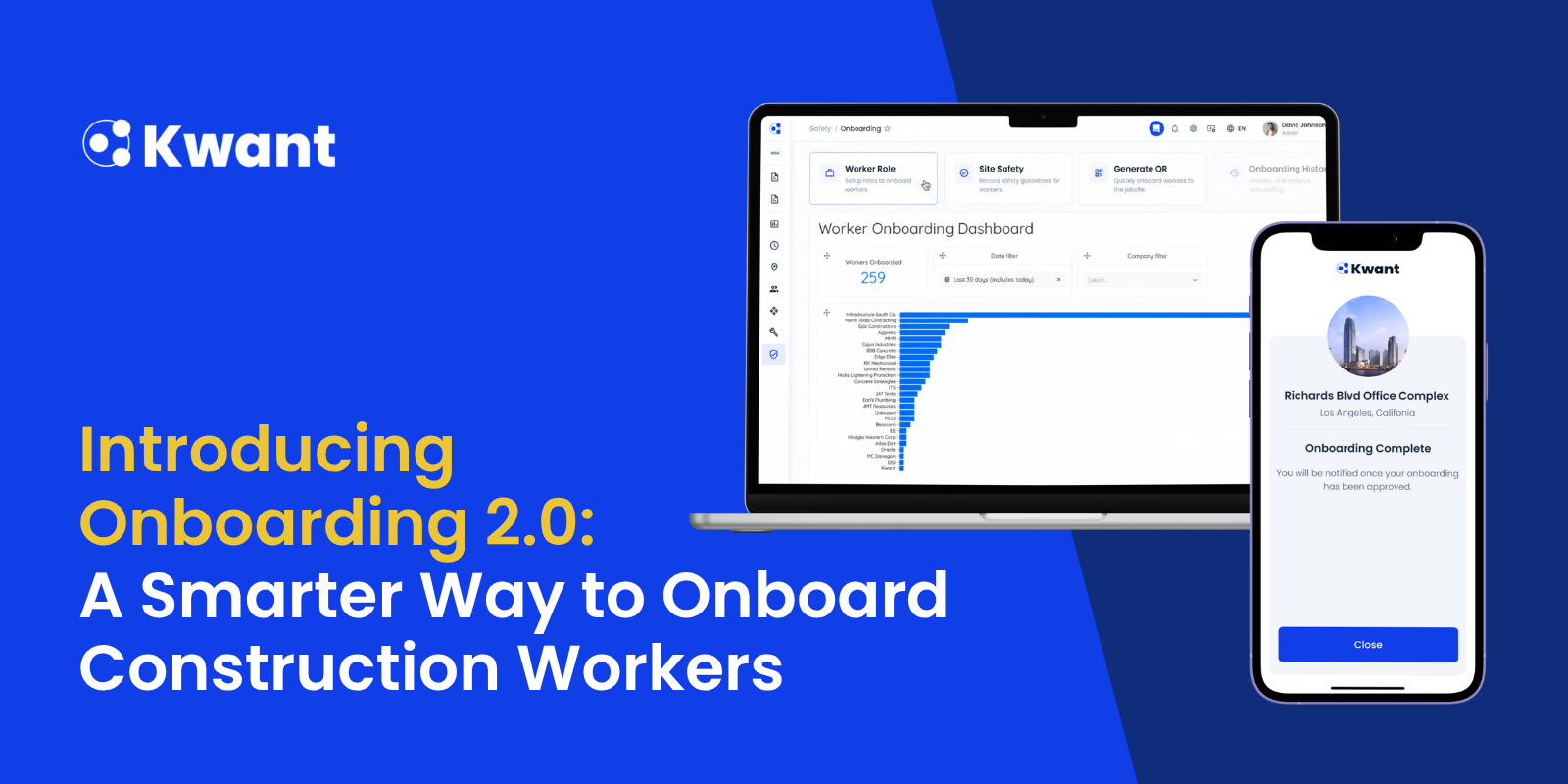
Introducing Onboarding 2.0, a complete redesign of the worker onboarding experience in Kwant.
Built from the ground up, Onboarding 2.0 gives project teams a centralized way to configure onboarding while delivering a faster, mobile-first experience for workers. With AI-powered document scanning, role-based requirements, multilingual support, QR-based access, and a streamlined approval workflow, it's easier than ever to onboard workers accurately and at scale.
One Platform. One Onboarding Experience.
One of the biggest improvements in Onboarding 2.0 is that onboarding now lives entirely within Kwant 2.0.
Instead of switching between legacy screens and multiple workflows, project teams can now configure, monitor, review, and approve onboarding from one centralized experience.
Everything is managed under:
Safety → Onboarding
From this single dashboard, administrators can configure:
- Worker roles
- Required onboarding fields
- Documents
- Training
- Site Safety
- QR onboarding
This creates a consistent onboarding experience across every project while giving administrators complete visibility into onboarding progress.
.png)
Role-Based Onboarding That Adapts to Every Project
Not every worker needs the same onboarding.
A superintendent, electrician, crane operator, and subcontractor may all require different certifications, training, and project information.
Onboarding 2.0 lets administrators create role-specific onboarding requirements so workers only complete what's relevant to them.
Admins can configure:
- Required fields
- Optional fields
- Custom fields
- Required documents
- Training modules
- Site Safety acknowledgements
All configuration follows existing Workforce validation rules, reducing duplicate setup while ensuring consistency across projects.
.png)
AI-Powered Document Scanning
One of the most time-consuming parts of onboarding is reviewing uploaded certifications and licenses.
With Onboarding 2.0, Kwant uses AI-powered OCR to automatically read uploaded documents and extract information like:
- Credential IDs
- Issue dates
- Expiration dates
Instead of manually typing document information, workers simply upload an image or PDF while Kwant pre-fills the details automatically.
The result:
- Less manual data entry
- Faster onboarding
- Better document accuracy
- Easier compliance tracking
A Mobile-First Experience Built for the Field
Construction workers don't sit behind desks.
That's why Onboarding 2.0 introduces a brand-new Progressive Web App (PWA) designed specifically for mobile devices.
Workers can:
- Scan a QR code onsite
- Accept a direct SMS or email invitation
- Complete onboarding from their own phone
- Upload documents
- Capture profile photos
- Resume onboarding anytime if interrupted
Progress is automatically saved after every completed step, making onboarding far more resilient in environments with inconsistent connectivity.
.png)
Smarter Training and Compliance
Training is now fully integrated into onboarding.
Project teams can assign:
- Videos
- Images
- PDFs
Workers complete training in the configured order before moving to the next step.
Need to verify understanding?
Each module can include a quiz.
If a worker doesn't pass, Kwant only presents the questions answered incorrectly during the next attempt, saving time while reinforcing learning.
Administrators can also collect:
- Digital signatures
- Safety acknowledgements
- Site-specific questionnaires
Everything becomes part of the worker's permanent onboarding record.
Faster Reviews with Real-Time Visibility
Instead of wondering where workers are in the onboarding process, administrators now see onboarding status directly from the Workforce view.
Every worker displays:
Onboarding Status
- Invited
- In Progress
- Pending Review
- Approved
- Rejected
Training Compliance
Quickly see who has completed required training and who still has outstanding requirements.
When onboarding is submitted, reviewers can immediately access:
- Uploaded documents
- AI-extracted information
- Quiz scores
- Signed agreements
- Worker information
Approvals take just a click.
Built for a Global Construction Workforce
Large projects often involve multilingual teams.
Onboarding 2.0 supports multiple languages, including English, Spanish, and Chinese, with workers able to switch languages throughout the onboarding process.
Workers can also verify their identity using either:
- SMS
This helps eliminate onboarding issues for workers using international phone numbers.
Why Onboarding 2.0 Matters
Construction projects can't afford onboarding delays.
Onboarding 2.0 helps teams:
1. Reduce manual data entry
2. Improve compliance visibility
3. Accelerate worker readiness
4. Simplify document collection
5. Standardize onboarding across projects
6 Deliver a better worker experience
Whether onboarding 20 workers or 2,000, teams gain a faster, more consistent process from invitation through approval.
New Update on Kwant's Mass SMS Alerts: Send Multimedia Alerts in Emergency
Best Practices
To get the most from Onboarding 2.0:
- Build quizzes into site-specific safety training.
- Use QR onboarding for large hiring events and project mobilizations.
- Use direct invites for named workers before arrival.
- Enable multilingual onboarding for diverse workforces.
- Review onboarding status daily to quickly identify pending approvals.
See Onboarding 2.0 in Action
Onboarding 2.0 is more than a redesign, it's a faster, smarter way to prepare workers before they ever step onto the jobsite.
Schedule a personalized demo to see how Kwant helps construction teams:
- Reduce onboarding time
- Improve compliance
- Automate document collection
- Simplify worker training
- Gain real-time workforce visibility
Book a Demo today and experience Onboarding 2.0 firsthand.
Frequently Asked Questions
1. What is Onboarding 2.0?
Onboarding 2.0 is Kwant's redesigned worker onboarding platform featuring centralized administration, AI-powered document scanning, role-based onboarding, multilingual support, mobile onboarding, and streamlined approvals.
2. Can workers complete onboarding from their phones?
Yes. Workers can complete onboarding using Kwant's mobile-first Progressive Web App through either a QR code or a direct invitation.
3. How does AI document scanning work?
Workers upload certificates or licenses, and Kwant automatically extracts information such as credential numbers and expiration dates using OCR technology.
4. Does Onboarding 2.0 support multiple languages?
Yes. Workers can complete onboarding in English, Spanish, or Chinese and switch languages throughout the process.
5. Can onboarding be customized by worker role?
Yes. Administrators can create role-specific onboarding requirements, including custom fields, required documents, training, and safety content.
6.How do workers verify their identity?
Workers can verify using either SMS or email, making onboarding easier for international workforces.
7. Can workers save their progress?
Yes. Progress is automatically saved after every completed step so workers can safely leave and resume onboarding later.


%20(1).svg)


